
Remote support service / Wi
Wireless & Networking Support
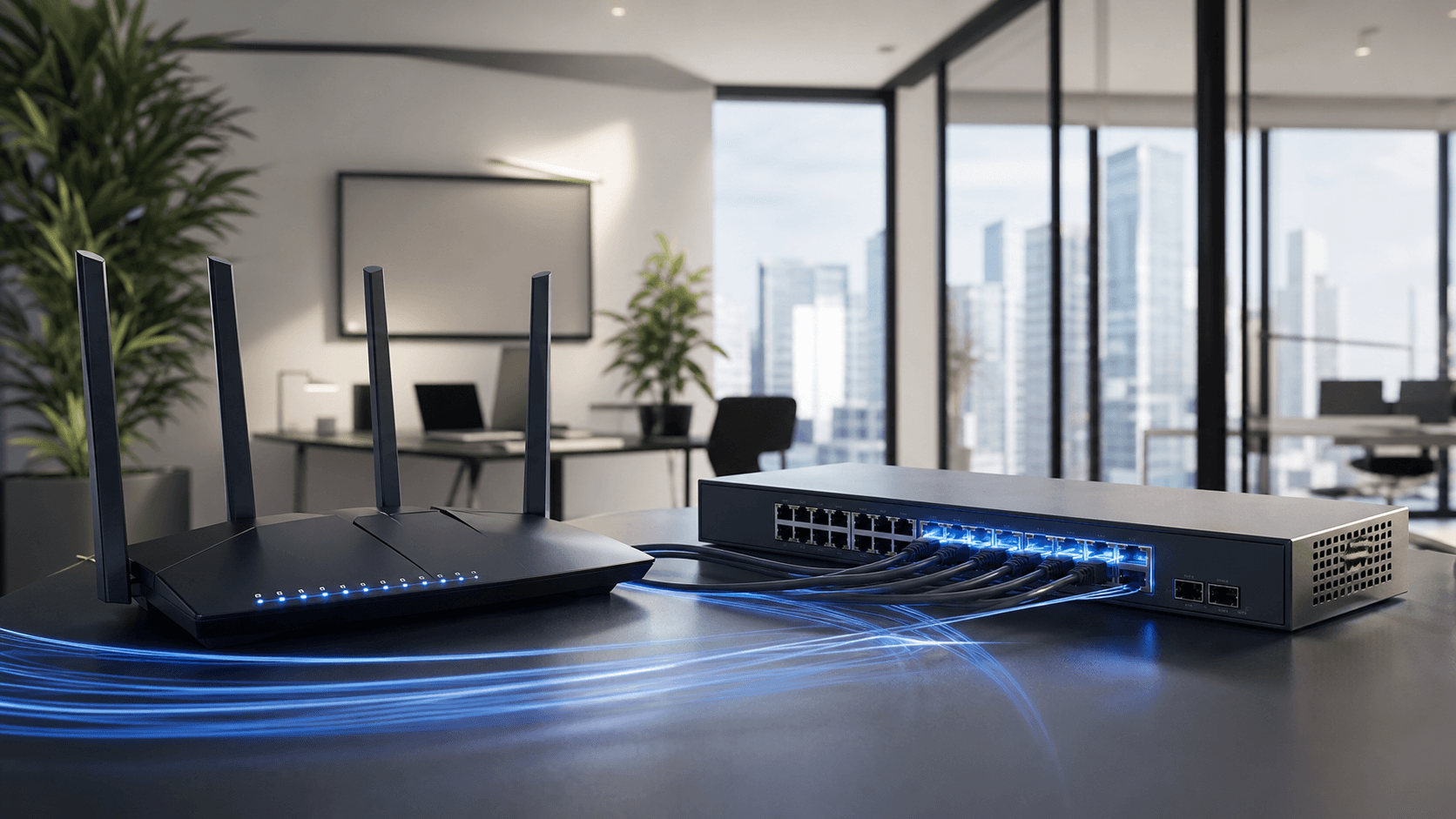
Improve everyday connectivity by reviewing device settings, router configuration, signal symptoms, and common network conflicts through a guided remote session.
Remote-first support
Home + businessThe connection drops repeatedly
A wireless printer is offline
A new router or device needs setup
Speeds differ across devices
What support may include
A guided path from symptoms to next steps.
The exact work depends on the device, software licensing, issue scope, and the actions you approve.
Connection and device review
Router-setting guidance
Wireless printer checks
Basic network-security review
Connectivity test and next steps
Important service boundary
Clear limits are part of good support.
Internet outages, damaged cabling, failing hardware, and provider-side issues may require your internet provider or an on-site technician.
Prepare your request
A few details help us find the right starting point.
- Device type and operating system, if known
- The exact message or symptom you see
- When the issue began and what changed
- Anything you have already tried
Related support
Another issue may be connected.

Computer Support
Remote help with setup, slow performance, software issues, errors, and connected devices.
Printer & Scanner Support
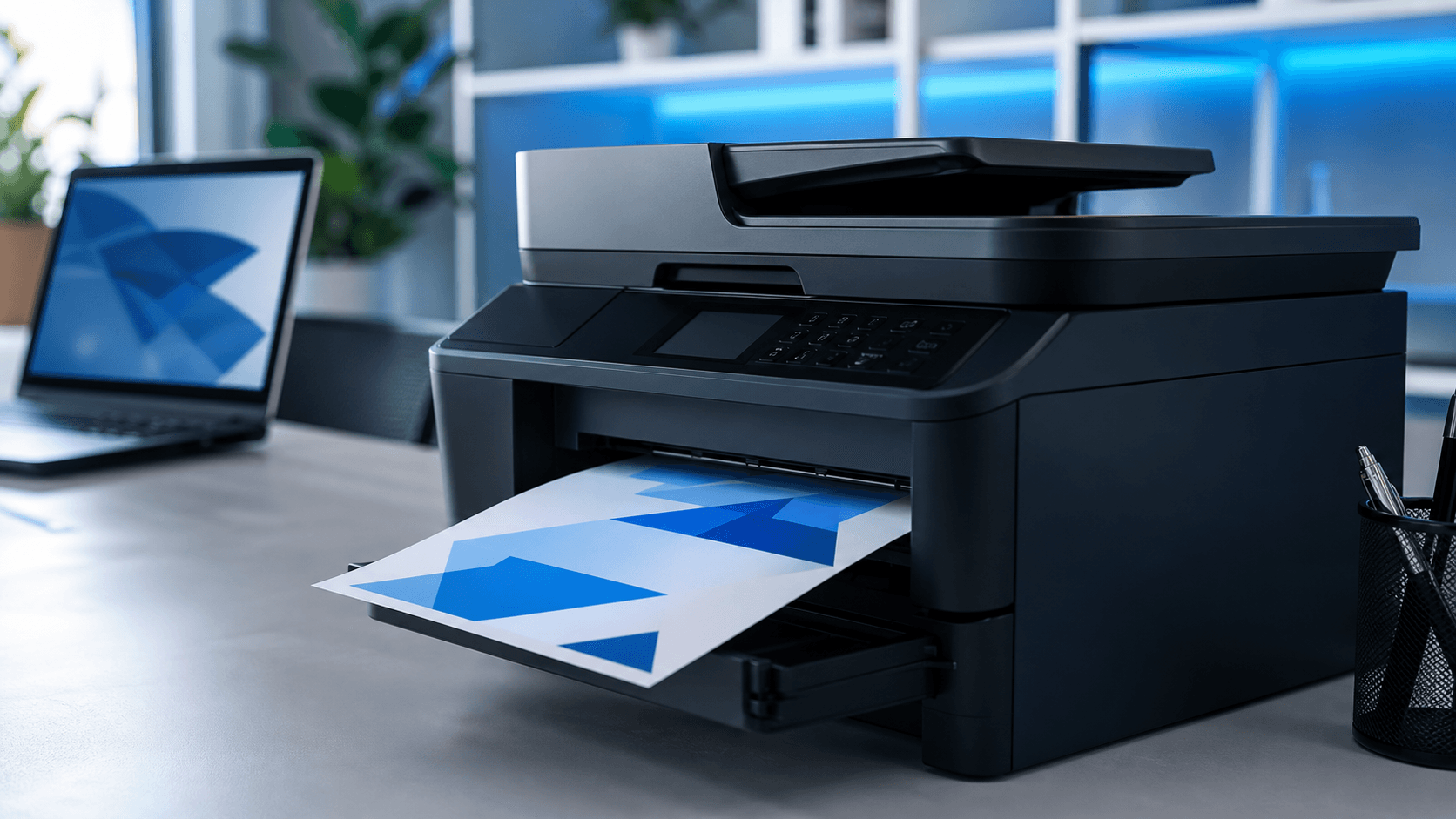
Setup and troubleshooting for printers, scanners, all-in-ones, drivers, and wireless printing.

Virus & Malware Assistance
Guided checks and cleanup for suspicious pop-ups, unwanted software, and possible malware activity.
Ready for the next step?